Print to PDF in just a few clicks.
Free trial | Free trial Adobe Acrobat See all plans | See all plans Adobe Acrobat

Learn how to print to PDF and save your files with ease.
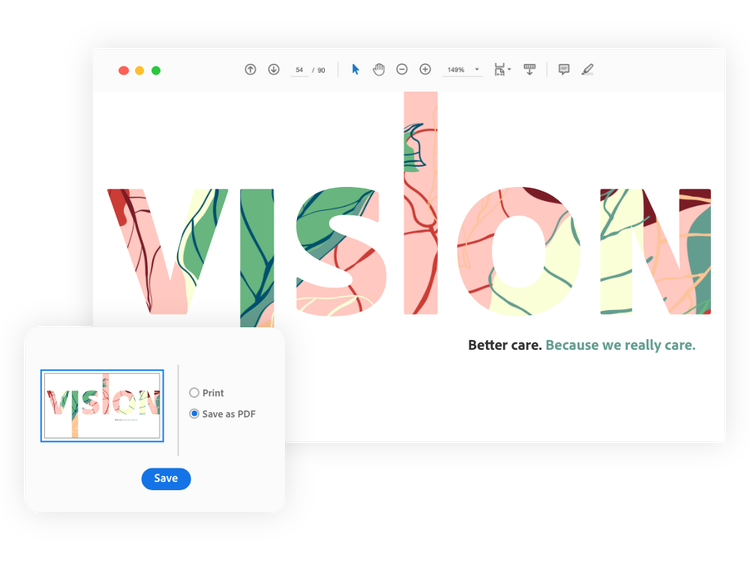
Turn just about any file format into a high-quality PDF. Simply click Print and then choose to save as a PDF document. In most Windows and macOS applications, you can also convert your files to PDFs by selecting Save as Adobe PDF. Once you’ve chosen one of these options, you can rename your file and open your new document.
PDF printing is easier with Adobe Acrobat. After saving your new PDF in whatever application you’re using, you can print a hard copy. Just click the Print button in Acrobat to view your options and customize your PDF settings before printing.
Free trial | Free trial Adobe Acrobat Buy now | Buy now Adobe Acrobat
Everything you need, in one place.
Acrobat makes it easy not only to print to PDF, but to share, store, edit, and create PDFs for more simplified workflows. You can even collaborate more freely by reviewing and commenting from any device, anywhere. Collecting and viewing feedback from others is also a breeze because every comment is securely stored in real time and viewable by anyone who’s invited to see the file.
Free trial | Free trial Adobe Acrobat Buy now | Buy now Adobe Acrobat
With Acrobat, you really can work from anywhere.
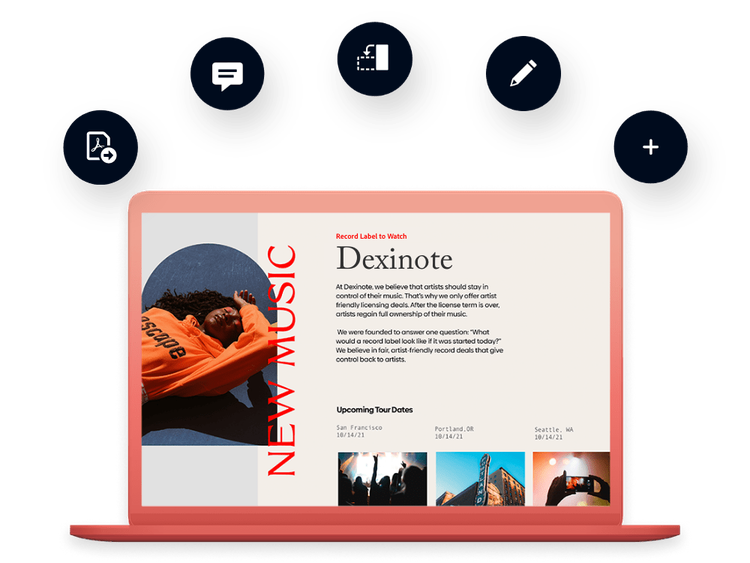
Stay productive with Acrobat and the ability to create and edit PDFs from any device, on the go. With Acrobat, you have instant access to the essential PDF tools you need across desktop, mobile devices, and the web. Microsoft print-to-PDF functionality helps you get more out of the apps you use every day. You can convert a Microsoft Word, Excel, or PowerPoint document to a PDF file in a couple of clicks. Now you’re truly empowered to work from anywhere.


Rely on Acrobat — the essential PDF solution.
More than five million organizations around the world rely on Adobe Acrobat to create, edit, view, and share PDFs from anywhere. It’s also the easiest way to convert PDFs to the Microsoft 365 file types and other file formats businesses use every day. No matter where work gets done, you can use Acrobat to empower collaboration and keep business moving. Whatever you need to get done, go make it happen with Adobe — the company that invented the PDF.


