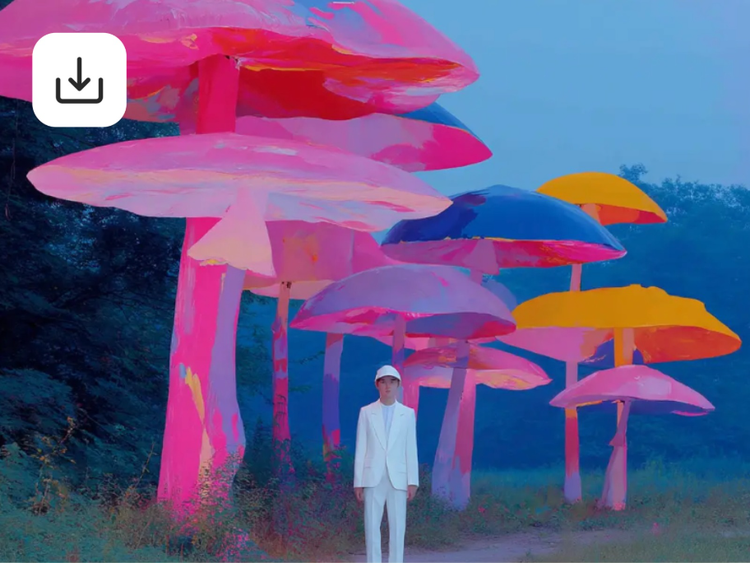
Image-to-image AI: Transform existing photos with AI.
Generate AI images from photos and turn them into stunning artwork. The Firefly image-to-image AI generator makes image processing easy, offering tools for analysis and visualisation. Upload your images to create unique artistic variations effortlessly.
What is image-to-image AI?
Image-to-image AI is a generative AI technique that transforms one image into another, such as converting a daytime scene into a nighttime one. It uses machine learning models trained on large image datasets to recognise patterns, styles and visual context. Users can generate AI images from photos, drawings, digital art and more by uploading an image and selecting modifications, making it easy to generate new variations and explore creatively.
Unleash your creativity.
Use image to image AI to generate fresh variations of your visuals. Reimagine colours, compositions, and styles to explore new creative directions with every prompt.
Enhance your workflow.
Transform images instantly with image to image AI tools like Generative Fill and Text to Image. Speed up production while keeping your creative vision intact.
Explore artistic styles.
Experiment with image to image AI to apply painterly, graphic, or photorealistic effects. Give your images a distinct style that stands out.
Create effortlessly with AI — no experience needed.
Image-to-image AI is accessible for all skill levels. Whether you're a seasoned designer or a complete beginner, you can create professional-looking visuals without the need for extensive design experience.
How to convert image to AI image?
- Go to the Adobe Firefly web app.
- Scroll down and select Text to Image, then enter a prompt to begin creating your image.
TIP: You can also go directly to the image editor by typing any prompt in the text box and clicking Generate. - In the General Settings panel, either enter a text prompt or go to Structure to upload your own sketch.
- Use the Strength slider to adjust the outline and depth of your image.
- Explore the Styles section to fine-tune Visual Intensity, Effects, Colour and Tone, Lighting, and Camera Angle.
TIP: If the result is not quite what you want, edit your text prompt or style settings to refine your image. - When you are satisfied, click Generate, then save and share your creation.
Image to Image AI for Every Creator
For content creators
Level up your visuals with Image to Image AI. Transform sketches, references, or photos into polished assets that match your creative vision. Ideal for thumbnails, social posts, and video covers across platforms like YouTube, Instagram, and X.
For entrepreneurs
Quickly generate professional visuals for campaigns, ads, and product concepts. Image to Image AI helps you refine or restyle existing assets to align with your brand, keeping your marketing consistent across channels.
For artists and designers
Bring your ideas to life faster. Use Image to Image AI to turn outlines into finished illustrations or reimagine concepts in different art styles — from pencil sketches to 3D renders. It is a creative shortcut that keeps your unique touch intact.
For hobbyists and explorers
Have fun experimenting with AI. Image to Image AI makes it easy to turn photos into artistic interpretations or stylised scenes, whether you are creating fan art, exploring new aesthetics, or just seeing where your imagination takes you.