What is image-to-image AI?
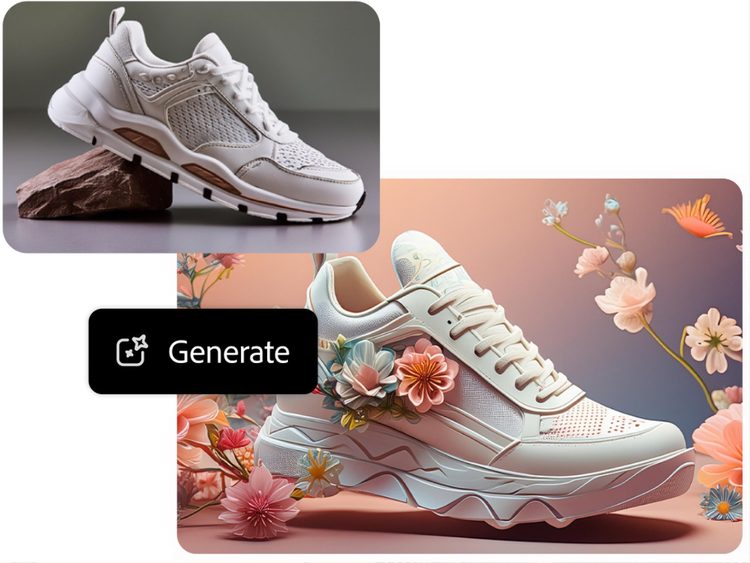
Image-to-image AI is a generative tool that transforms one image into another by changing the style, lighting, mood, or composition using machine learning models. With Firefly, you can start by uploading an image and then using a text prompt to describe the transformation you’d like to see.
Can AI create an image from another image?
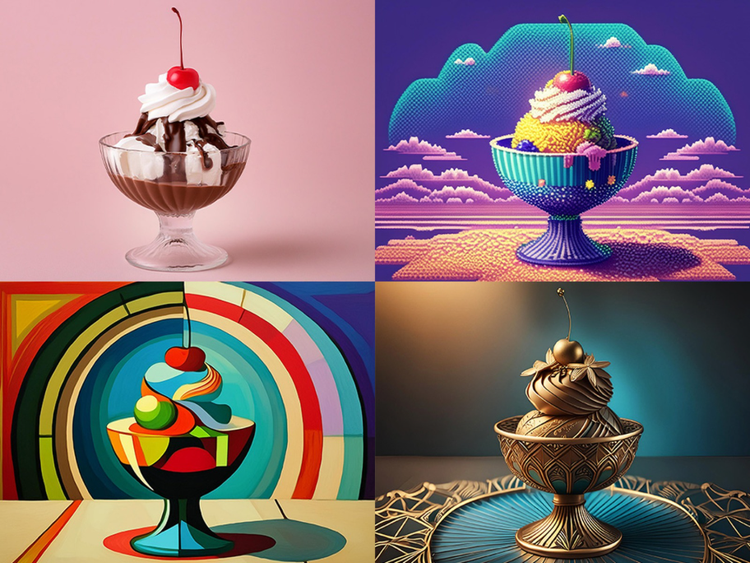
AI can take an existing image and generate a new version with different visual traits. This includes techniques like
image style transfer in Adobe Firefly, which lets you apply a specific artistic look, like 3D embossing or watercolor, to your photo or design.
What is an image-to-image AI generator?
Image-to-image AI, or image-to-image translation, is a generative AI technique that uses machine learning and deep learning to transform a source image into a target image while preserving some of the original image’s visual properties. Available in Firefly, image-to-image AI can be used for a variety of tasks in computer vision, such as style transfer, image colorization, semantic segmentation, and cross-domain data transformation.
How do image-to-image generators work?
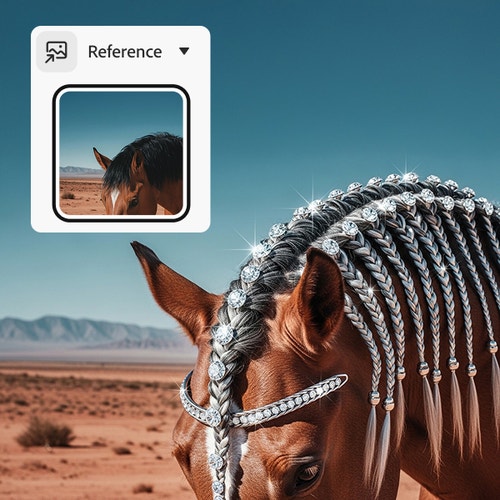
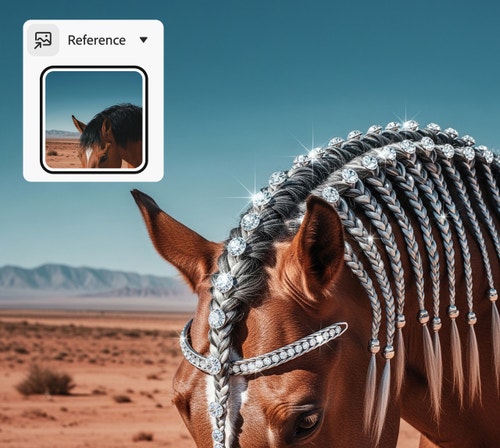
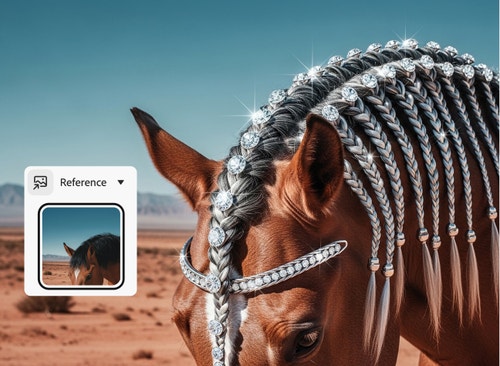
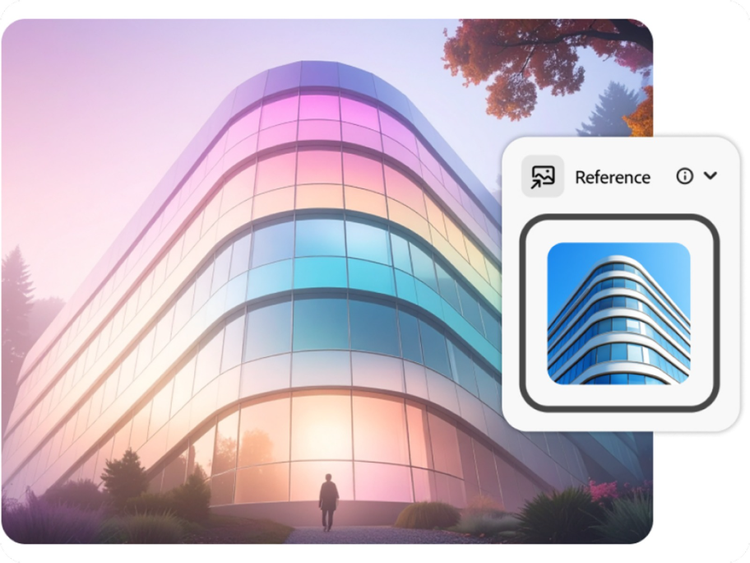
Image-to-image generators like Firefly allow you to easily apply the structure of an existing image to newly generated images. You can now use an existing image as a structural reference template and generate multiple image variations with the same layout. With this, we’ve eliminated the trial and error process of having to write the perfect prompt to get an output that matches your imagination.
How do I convert an image to AI art?
Upload your own image to Firefly to generate images in your unique style. Or apply a style reference from the curated gallery, which includes dozens of options in several categories, including Watercolor, Pencil, 3D, Neon, Landscapes, Texture, and more.
What is the difference between image-to-image and text-to-image?
Image-to-image generators analyze existing images and transform them into something new, while text-to-image generators use AI and text prompts to create images from scratch. Firefly offers both image-to-image and text-to-image generation.
The best image-to-image AI tool allows you to transform an existing image while preserving its structure, proportions, and composition; adjust style, lighting, and texture; customize your prompts; and generate variations — all without distorting your original subject. A strong image-to-image AI tool, like Firefly, also offers high-resolution output and integration with editing workflows for professional use cases.
How do I keep the structure of an image while changing the style?
Maintaining structure while changing style requires an image-to-image AI model that analyzes the original composition — including subject placement, perspective, lighting, and depth — before applying stylistic transformations. Upload a high-quality base image; use clear style prompts like “watercolor painting,” “cinematic lighting,” or “anime style”; and generate multiple variations to refine your results. The best image-to-image AI models will modify an image’s visual style while keeping the underlying layout and proportions intact. Adobe Firefly offers all these capabilities.
Can I generate images from photos for commercial projects?
Images generated by Adobe Firefly AI models are designed to be safe for commercial use, but make sure to review licensing details when using imported assets. Images generated by partner models may have different usage terms.
Yes, you can use the Adobe Firefly image-to-image tool for free with an Adobe account. If you have a free account, you’ll get free daily generations to transform reference images into new AI-generated visuals across a range of styles and aesthetics. Learn more about
using Adobe Firefly for free. Upgrade to a paid plan for higher-volume use and access to additional features.