

ブランド視覚化
オリジナルのロゴやアイコンなどを作成
オリジナルのグラフィックをビジネスや副業で効果的に活用しましょう。業界水準のグラフィックデザインアプリで、こだわりのアートワークやパターン、文字デザインを作成し、Tシャツやパッケージなどのイメージ画像にも適用できます。


ブランド視覚化
オリジナルのグラフィックをビジネスや副業で効果的に活用しましょう。業界水準のグラフィックデザインアプリで、こだわりのアートワークやパターン、文字デザインを作成し、Tシャツやパッケージなどのイメージ画像にも適用できます。
マーケティングと広告
用途に合わせてアートワークを簡単に拡大・縮小。名刺から看板、デジタル広告まで、印刷物でもデジタル媒体でも、鮮明なイラストでオーディエンスの心をつかみましょう。
デジタルドローイング
ディテールまでこだわった鮮明なベクターグラフィックを作成できます。シェイプを組み合わせて新しい形を作り、カラーを調整し、線を編集してイメージ通りに仕上げましょう。
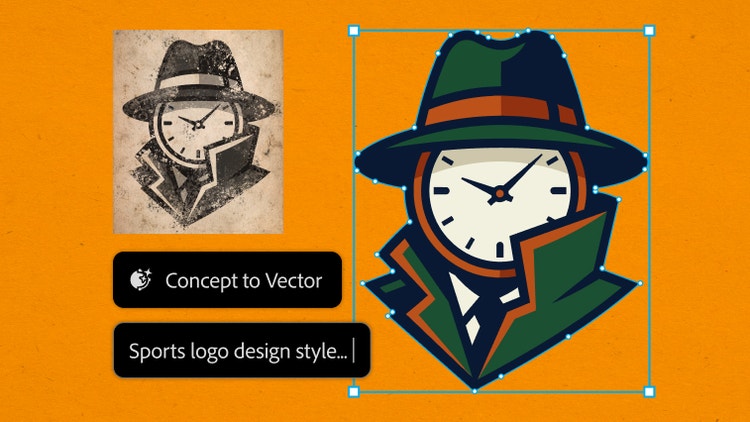
スケッチや低解像度の画像をIllustratorにドロップして、微調整するだけ。再描画は必要ありません。コンセプトからベクター生成によりアウトラインが編集可能なグラフィックに変換され、シェイプやスタイルを変更したり、新しい方向性を模索したりすることができます。
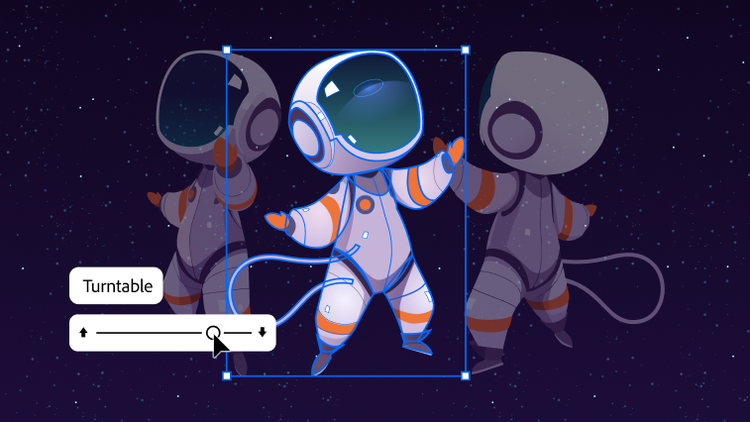
ターンテーブルで作品に新たな視点をもたらしましょう。何時間もかかる描き直しを無くし、デザインを洗練させ、プレゼンテーションやSNS用のモーションを追加できます。
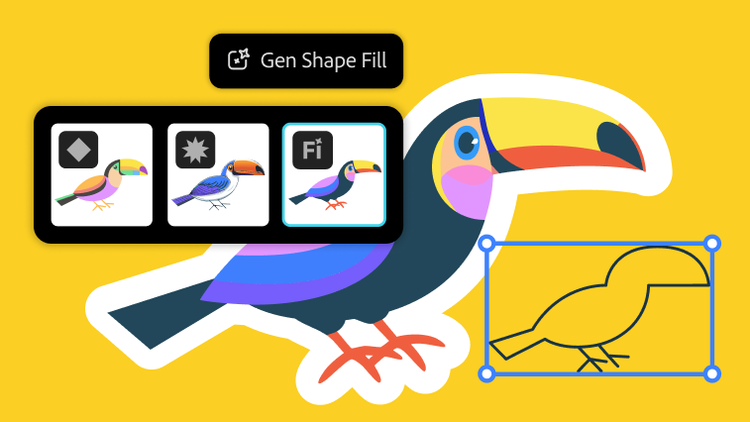
「生成塗りつぶし(シェイプ)」が新登場。GPT‑4o、Gemini 2.5などの強力なAIモデルを使って、様々なデザインの可能性を追求できるようになりました。
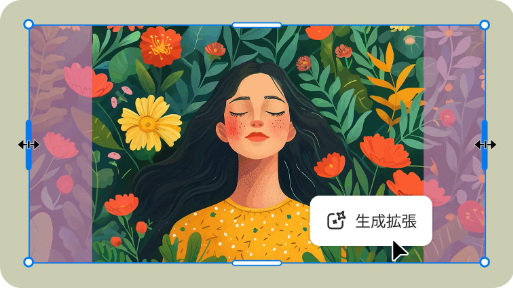
新機能「生成拡張」で効率よく、プロのような仕上がりへ。グラフィックのサイズ変更、裁ち落としの追加や、デザインのコンセプトの考案に役立ちます。
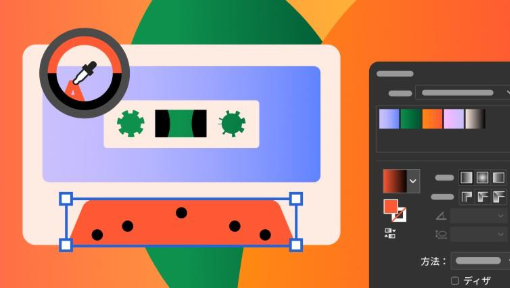
進化したグラデーションツールとプリセットで配色のプロセスを効率化し、正確な色合いを実現。新しいカラーピッカーアイコンにより、理想の色が簡単に見つかります。
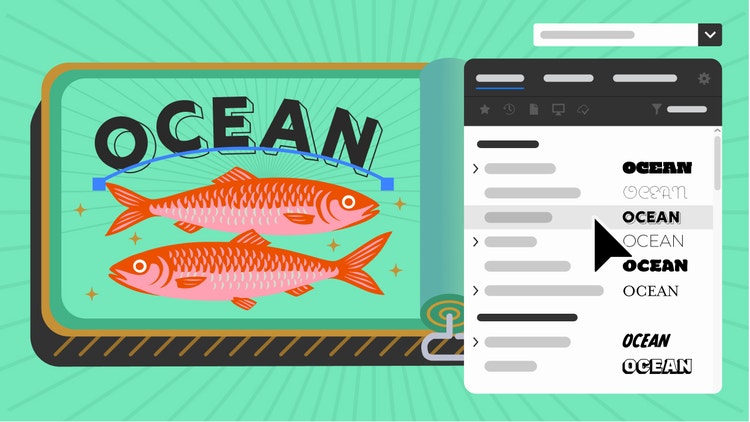
強化されたフォントブラウザーで、使いたいフォントをすばやく検索。フィルターで検索したり、ライブラリに整理してアドビアプリ間で同期したり、お気に入りのフォントをまとめて管理したりできます。
ユーザーの動画を参考に、生成AIなどの新機能を試してみましょう。
mas-field: ACOM / Plans / Individual / com / Illustrator → jsonLdSchema
https://main--cc--adobecom.aem.live/cc-shared/fragments/products/illustrator/try-beta
Based on your location, we think you may prefer the United States website, where you'll get regional content, offerings, and pricing.


