Nota: os arquivos de projeto incluídos neste tutorial são apenas para fins de prática.
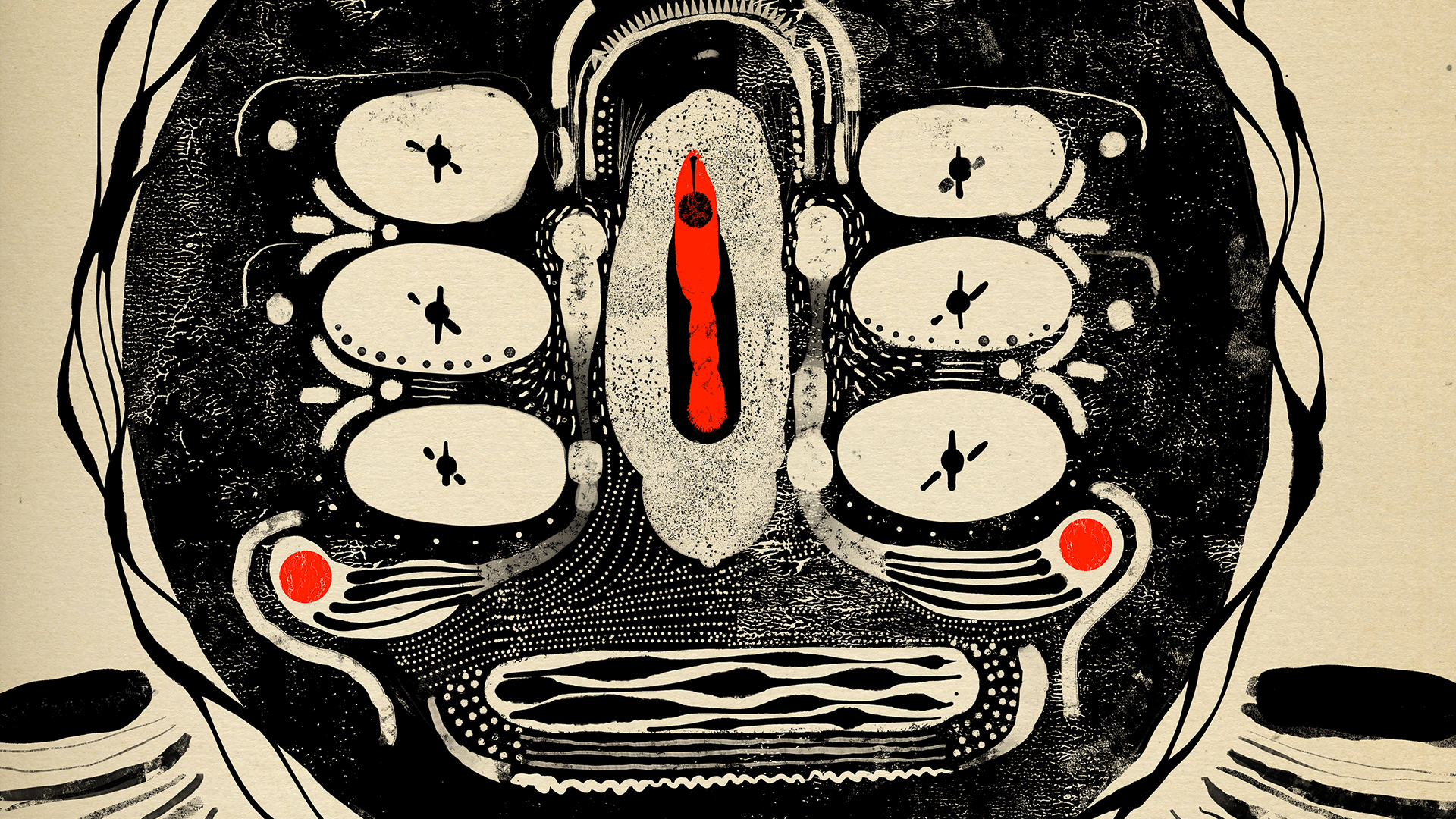
Se quiser experimentar os pincéis oferecidos pelo Alejandro, adicione a biblioteca a seu trabalho. O foco desta série são os pincéis Epic, disponíveis no painel Bibliotecas (Janela > Bibliotecas) do Adobe Photoshop e na seção Bibliotecas dos pincéis de pixels do Adobe Fresco.
Para praticar com a colagem texturizada de Alejandro, copie a arte para a seção Seu trabalho do Photoshop ou do Fresco.
Crie pincéis a partir de texturas.
Nos últimos 25 anos, tenho criado colagens quase todos os dias. Ao longo dos anos, minha prática artística evoluiu, mas sempre teve um componente digital desde que comecei a usar o Adobe Photoshop nos anos 90. Quando o Adobe Fresco foi lançado, fiquei um pouco apreensivo porque já estava acostumado com meu fluxo do Adobe Sketch e do Photoshop. Com apenas algumas semanas de uso, consegui adotar totalmente a ferramenta como a minha “máquina de fazer arte”. O Fresco reuniu as melhores partes dos fluxos e das ferramentas de que mais gosto de uma forma muito coesa. Agora, consigo adicionar uma camada muito mais fluida de expressão artística às colagens e aos desenhos.
À medida que o meu trabalho foi ficando cada vez mais gestual e ilustrativo, percebi que estava usando sempre os mesmos estilos de pincel para trabalhar em um novo visual ou uma série de trabalho. Foi aí que percebi a necessidade de começar a criar meus próprios pincéis para realmente chamar esse trabalho de meu. Fazer arte é algo incrivelmente gratificante, mas criar suas próprias ferramentas para fazer arte deixa tudo um pouco mais divertido. Todo o trabalho de criação dos pincéis foi feito no Photoshop. Passei muito tempo usando a câmera do meu celular para coletar texturas e manchas de tinta em minhas caminhadas pela cidade ou no meu estúdio.
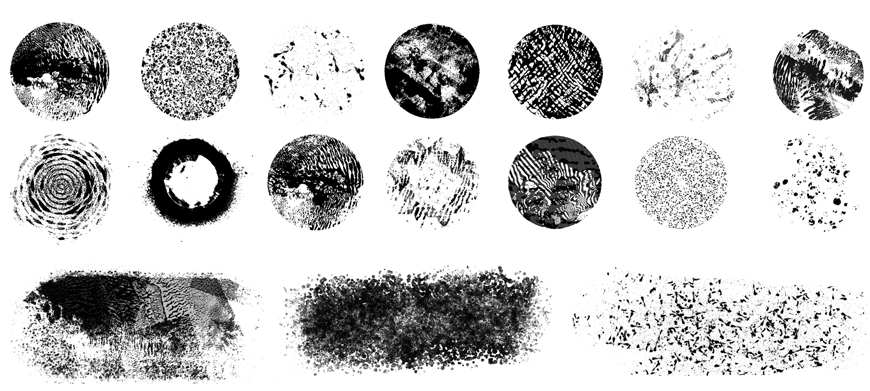
Experimente os estilos de pincel em seu trabalho.
O objetivo dos meus pincéis sempre foi refletir minhas preferências estilísticas e minha maneira de trabalhar. Alguns desses pincéis se movem lentamente, outros são rústicos e alguns têm um uso completamente diferente quando se aumenta o tamanho ou quando são usados como um revestimento. Já outros são feitos com base na superfície esburacada da pintura da faixa de pedestres e alguns são texturizados a partir de um rolo antigo com 30 anos de uso. Talvez o que eu queira que vocês entendam com tudo isso é que experimentar é o segredo para aproveitar seus esforços criativos ao máximo, e criar suas próprias ferramentas pode fazer parte desse processo.
Então, teste esses pincéis e mostre o que você é capaz de fazer. Depois, veja o que consegue fazer com meu segundo conjunto de pincéis Epic.

You can control how Adobe websites use cookies and similar technologies by making choices below. But note that if you disable cookies and similar technologies entirely, Adobe websites may not function properly.
Cookies are small text files stored by your web browser when you use websites. There are also other technologies that can be used for similar purposes like HTML5 Local Storage and local shared objects, web beacons, and embedded scripts. These technologies help us do things like remembering you and your preferences when you return to our sites, measure how you use the website, conduct market research, and gather information about the ads you see and interact with.
You can make choices in the menu below about what cookies and other technologies you want us to use on Adobe sites when you visit them from this browser. You can always change those choices later by clicking on the Cookie Preferences link at the bottom of the page.
If enabled:
We can improve your experience by tailoring the site and the content to things we think might be of interest
We can better keep track of your preferences — like what language you prefer to use
We will better understand your likely interests so we can provide you more relevant Adobe ads and content on non-Adobe websites and in non-Adobe apps
It will help us improve the performance of our website and those of our partners who use the Adobe Experience Cloud
If disabled:
We won’t be able to remember you from session to session so the experience may not be tailored to your interests
You’ll still have access to the content of the site but certain features that depend on cookies may not function
You’ll still see ads, they just may not be as relevant to you
General information
You can control how Adobe websites use cookies and similar technologies by making choices below. But note that if you disable cookies and similar technologies entirely, Adobe websites may not function properly.
Cookies are small text files stored by your web browser when you use websites. There are also other technologies that can be used for similar purposes like HTML5 Local Storage, web beacons, and embedded scripts. These technologies help us do things like remembering you and your preferences when you return to our sites, measure how you use the website, conduct market research, and gather information about the ads you see and interact with.
You can make choices in the menu below about what cookies and other technologies you want us to use on Adobe sites when you visit them from this browser. You can always change those choices later by clicking on the Cookie Preferences link at the bottom of the page.
If enabled:
We can improve your experience by tailoring the site and the content to things we think might be of interest
We can better keep track of your preferences — like what language you prefer to use
We will better understand your likely interests so we can provide you more relevant Adobe ads and content on non-Adobe websites and in non-Adobe apps
It will help us improve the performance of our website and those of our partners who use the Adobe Experience Cloud
If disabled:
We won’t be able to remember you from session to session so the experience may not be tailored to your interests
We’ll still count your use of our site and services
You’ll still have access to the content of the site but certain features that depend on cookies may not function
You’ll still see ads, they just may not be as relevant to you
Operate the site and core servicesOperate site and measure engagement
Always active
These cookies are required, and they are used to enable the site and related services core functionality. Without them the site could not operate, so they cannot be disabled.
These cookies enable the site and related services’ core functionality and collect statistics about user engagement, such as counting active use to help us understand trends. These cookies cannot be disabled.
Measure performance
These cookies are used to analyze site usage to measure and improve performance. Without them Adobe cannot know what content is most valued and how often unique visitors return to the site, making it hard to improve information we offer to you.
These cookies are used to analyze site usage to measure and improve performance. Without them Adobe cannot know what content is most valued, making it hard to improve information we offer to you.
Extend functionality
These cookies are used to enhance the functionality of Adobe sites such as remembering your settings and preferences to deliver a personalized experience; for example, your username, your repeated visits, preferred language, your country, or any other saved preference.
Personalize advertising
These cookies are used to enable Adobe and our partners to serve ads more relevant to your interests. Without them you will still see ads, but they might not be as relevant to you.
Personalize advertising
These cookies are used to enable Adobe and our partners to serve ads more relevant to your interests. Without them you will still see ads, but they might not be as relevant to you.