

Students and teachers: Save


For educators and administrators, explore K-12 or Higher Education solutions.
For class, career, and beyond.
Make work that moves with you — in school and everywhere after.
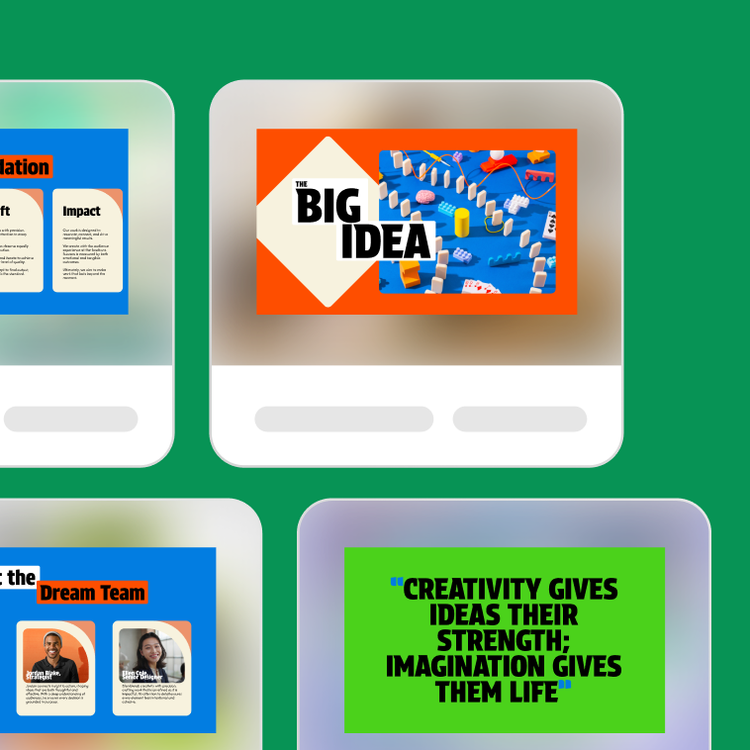
Generate presentations
Design pro-level presentations with a boost from AI that help you score high grades today and stand out in the workplace tomorrow.



Build study guides
Transform notes and research into smarter study guides with AI so you can learn faster, retain more, and ease stress around exam time.
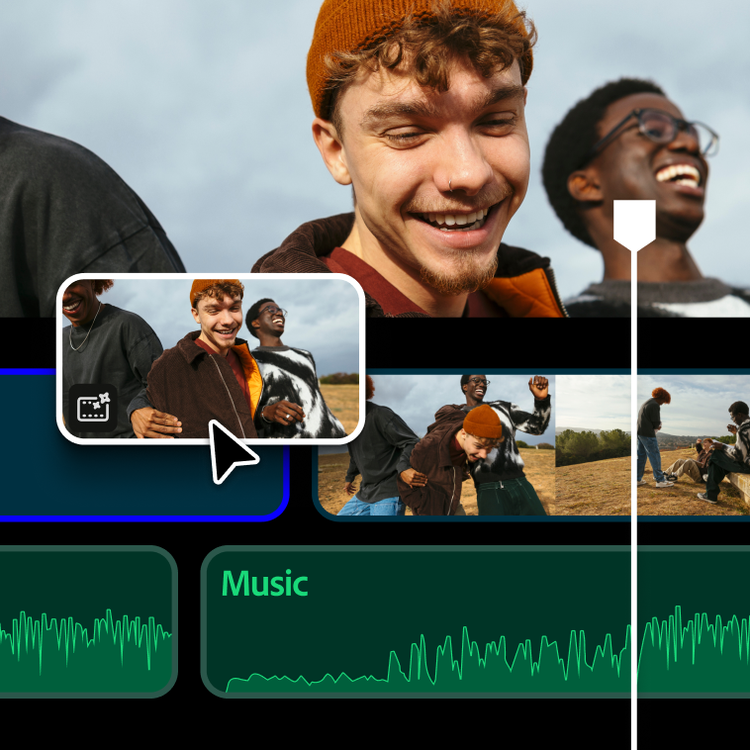
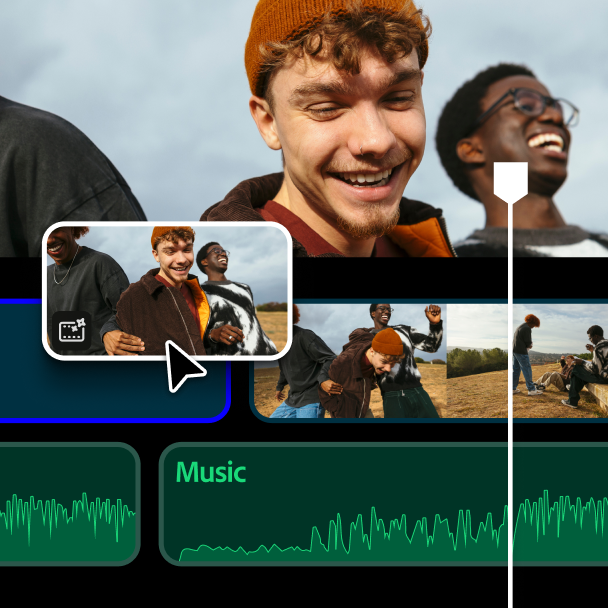
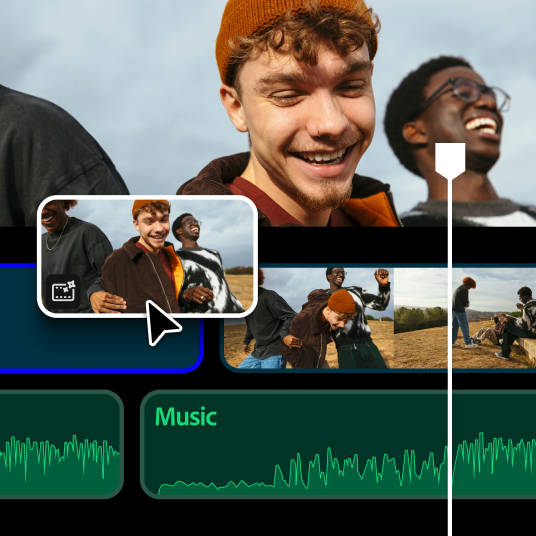
Produce a video
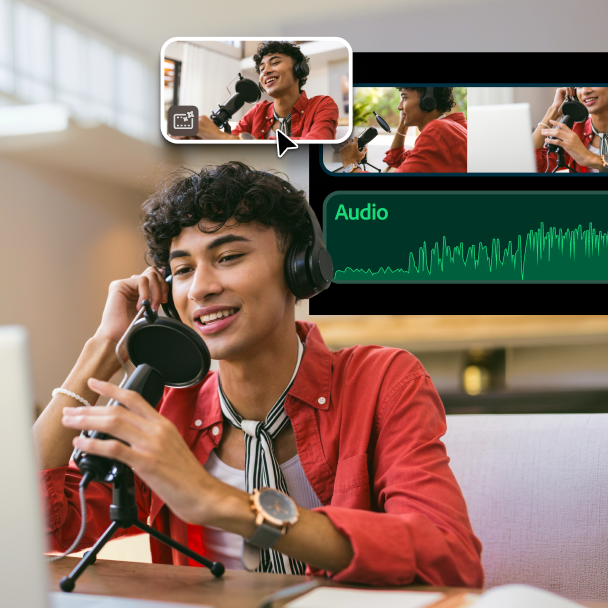
Stitch together your best moments and ideas into videos people love, from class projects and vlogs to short films and social content.



Craft flyers and posters
Your clubs, occasions, and causes deserve to be seen. Create eye-catching flyers and posters — no matter how much design experience you have.



Create designs and illustrations
Have a vision? Bring it to life with design tools that make every image worth a second look, from quick graphics to your next masterpiece.

Make social content
Produce scroll-stopping content for every platform, whether you’re building a following, testing an idea, or just having fun.


Craft your resume
Develop an authentic resume that’s ATS-friendly and makes employers eager to know more — so they’re excited before the interview even starts.



Dream up a logo
Whether updating your personal brand, promoting a group, or launching a side hustle — create a logo that captures your vision, with a little assist from AI.



Elevate your portfolio
Get the right tools to create a portfolio that showcases what you've done and everything you’re capable of doing.

Save
Students and teachers save
Get Started with Adobe
Check out these apps to get a quick start on how to use Adobe products.

Make flashcards
Spend less time making study materials and more time actually learning with AI tools. Student Spaces turns your notes into smart flashcards fast.


Build a network. Become certified. Boost your expertise.
Meet fellow creators in the Adobe Discord, earn certifications for your skills, and continue mastering Adobe apps.



Join the Discord community
Connect with creators who inspire you and get insider access to events, product drops, internships, and paid creative opportunities.



Get Adobe Certified
Hone your craft and earn certifications that prove your creative skills are real, refined, and ready for the professional world.
Visit Adobe Learn
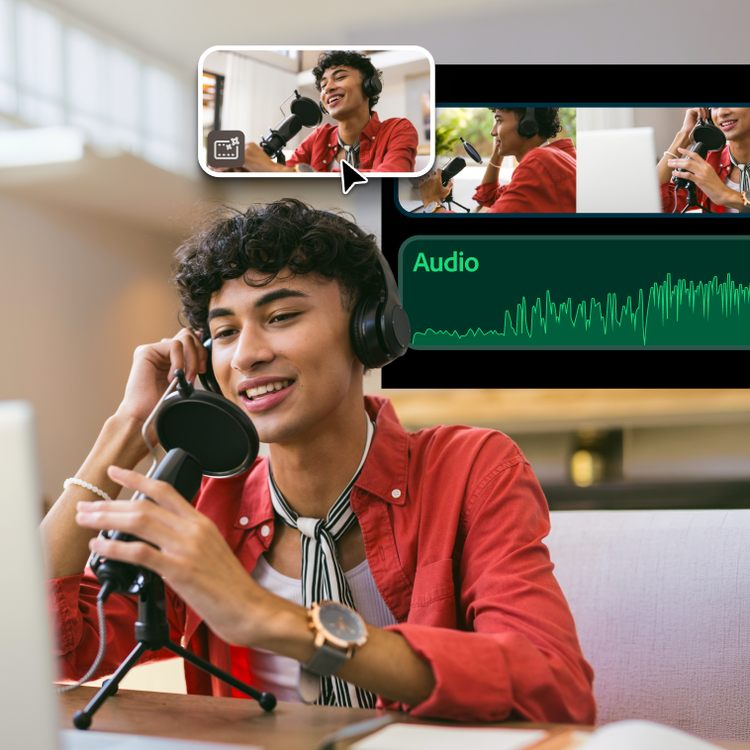
Dive into thousands of free tutorials and courses across every Adobe app, whether you’re picking up the basics or pushing your talents further.
Questions? We have answers.
Adobe offers several free tools students can start using right away, including Student Spaces for creating flashcards and quizzes, Adobe Express for designing presentations, posters, resumes, and Adobe Firefly for AI-generated images. Some schools also provide free access to the full Creative Cloud suite. Check with your institution to see what's available to you.
Adobe Creative Cloud for students and teachers is an offer for eligible students and educators to purchase directly at a significantly discounted price. Adobe verifies student and teacher status and may request additional proof of eligibility after purchase.
Creative Cloud for education institutions is purchased by a school or university and managed centrally by IT administrators, making it easy to deploy and manage licenses across an entire campus or district. Both plans include access to 20+ industry-leading apps like Photoshop, Illustrator, and Premiere, plus responsible AI features from Adobe Firefly.
Adobe Acrobat Pro for students and teachers is a standalone plan focused on PDF tools for creating, editing, signing, and sharing documents. Creative Cloud Pro for students and teachers includes Acrobat Pro plus 20+ industry-leading apps like Photoshop, Illustrator, Premiere, Lightroom, and more. If you want a full suite of creative and productivity tools, Creative Cloud Pro gives you everything in one plan at a significant student and teacher discount.
Adobe offers enterprise plans for education institutions that include centralized license management and deployment through the Adobe Admin Console. This makes it easy for IT teams to provision, manage, and support Adobe tools at scale.
- K-12 administrators: learn more here
- Higher Education administrators: Find the plan that is right for your institution.
